

01 / Consultations & recommendations
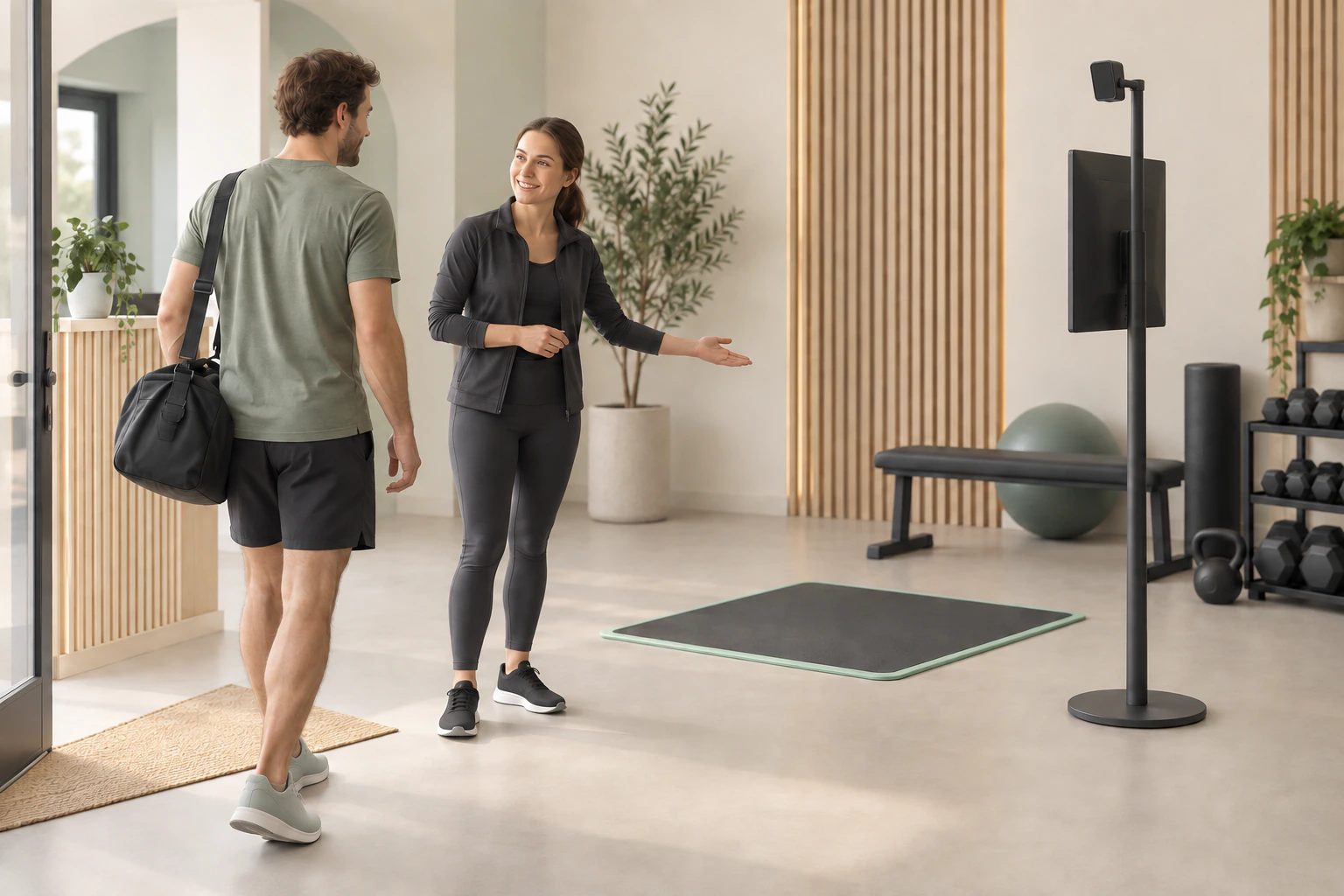
Give the first consultation a visual starting point.
Use images and reports to help members understand observations and discuss their training needs and suitable sessions.
FOR GYMS · PHYSIOTHERAPY · FITNESS CHAINS
Crosspoint X brings posture and movement assessments, visual reports and assessment history together. Support your team from the first consultation and training recommendations to repeat assessments, with context for every session.
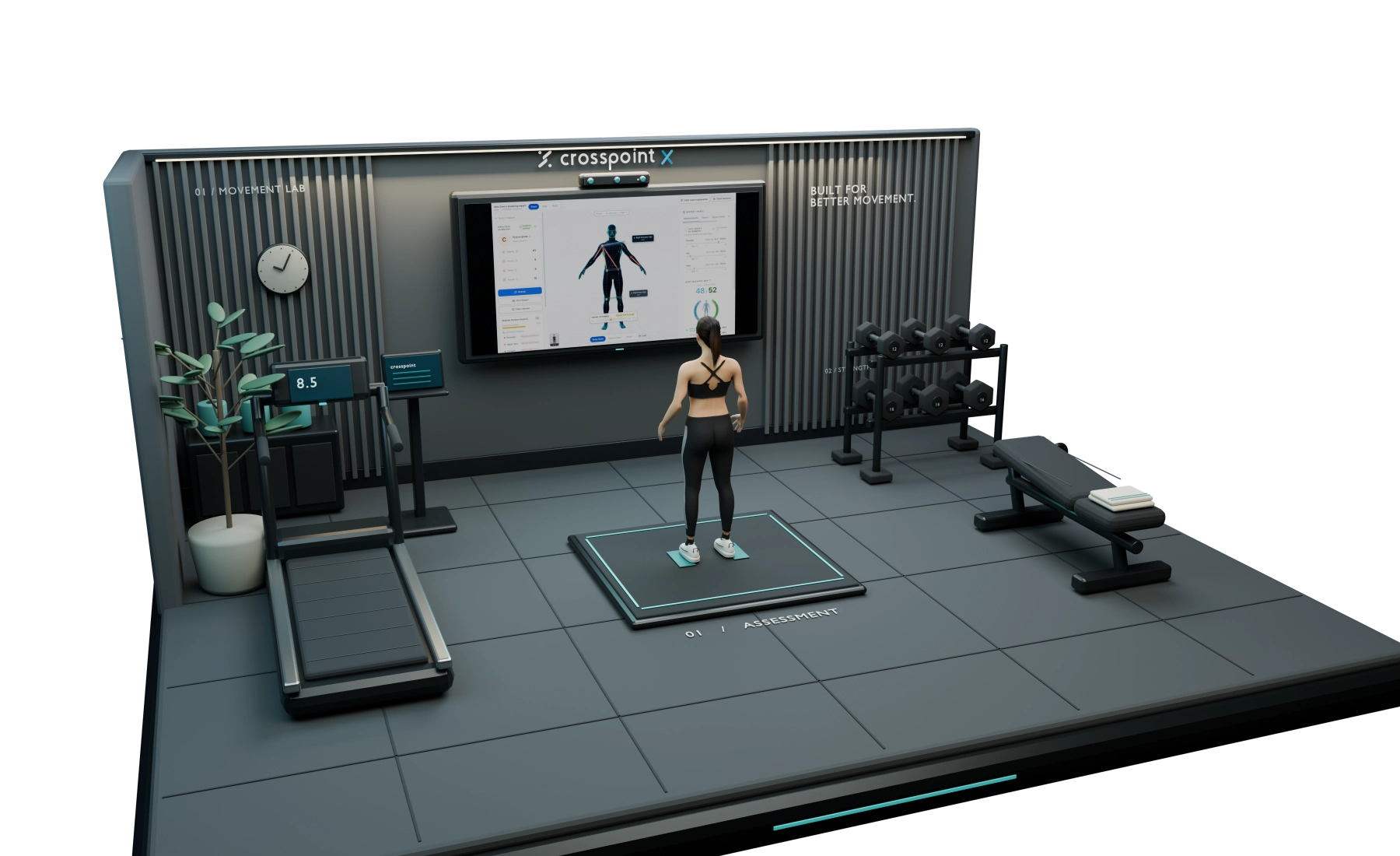
SEE IT IN 15 SECONDS
One wall display, a standard webcam and clear floor space. See how a screening runs, then watch the full overview.
Venue scenes and people are AI-generated. The on-screen interface and reports are the actual product with demo data, not real member results.
FROM FIRST CONSULTATION TO ONGOING SERVICE
Bring assessment records into training discussions, follow-up sessions and coach handovers, with a visual basis for each conversation.
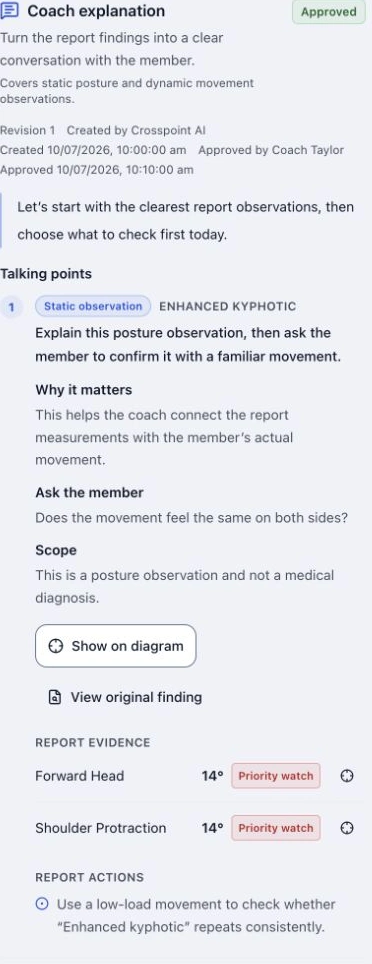
Use images and reports to help members understand observations and discuss their training needs and suitable sessions.

Review member details and assessment history to discuss changes, training and next steps with context.
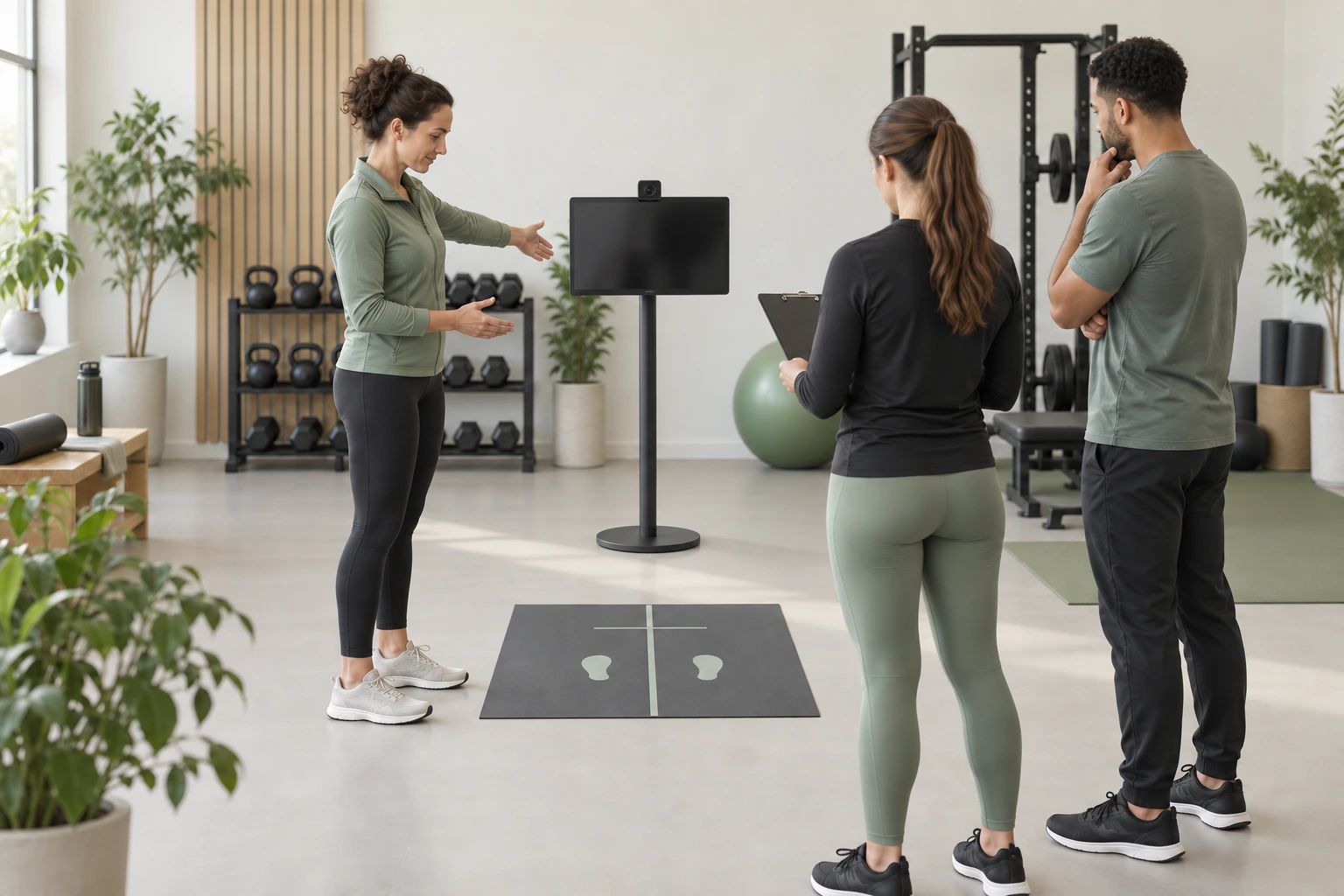
Share screening, explanation and handover steps to support new-coach training and service across teams and locations.
Illustrative service scenarios
IN USE AT A FITNESS CHAIN
World Gym uses Crosspoint alongside InBody measurements for new-member onboarding and ongoing member follow-up. Coaches operate the system and explain the reports.
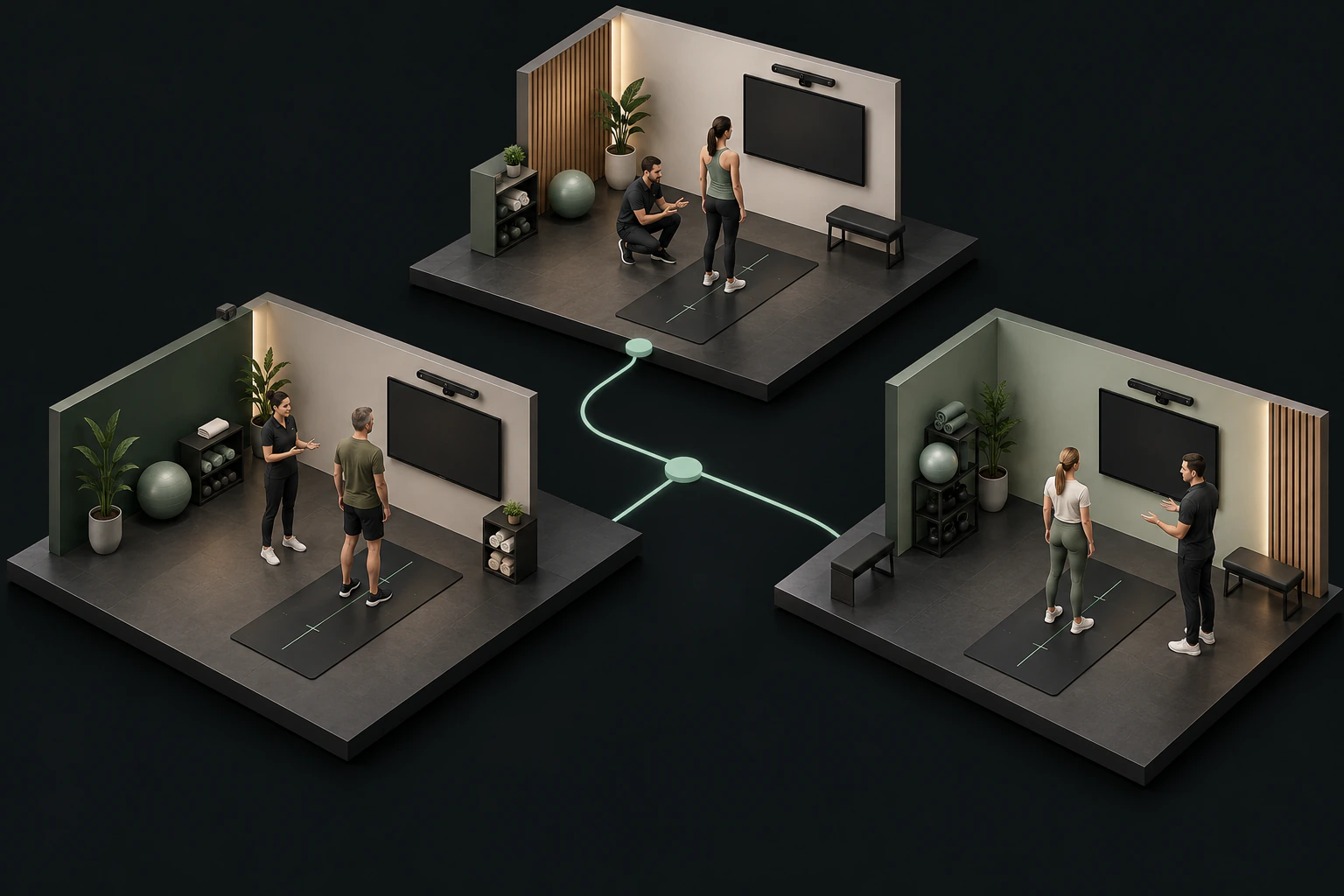
Posture and movement assessments are included alongside the InBody measurement process. Coaches guide capture and explain the report, building a continuing assessment record.
Crosspoint trains World Gym’s instructors. WG then runs its own training, with a session for each venue covering operation and report explanation.
Customer case studies
Taiwan branches · Deployment case study
Shanghai · Deployment case study
PART OF EVERYDAY SERVICE

Understand the member’s goals, guide positioning and capture posture or movement. Preparation and capture take approximately 3–5 minutes in total.
A coach combines the report, on-site observations and member needs to discuss training. Set aside explanation time to suit your service.
Review previous assessments and member records at the next visit to discuss changes and next steps. Start with one coach at one location.
MOVEMENT SCREENING MAKES THE DIFFERENCE
InBody provides body-composition information such as muscle mass and body fat. Crosspoint X adds static posture and dynamic movement observations, giving members a complementary view of their body.
ASSESSMENT APPROACH · NASM-CES
Observe the feet and ankles, knees, hips, trunk and arms for clues about mobility, stability and compensation. Use the findings to inform training adjustments and movement-risk management.
About the overhead squat assessmentUse the overhead squat to relate movement phases, body regions and observations, helping coaches identify compensations worth checking further.
CONSISTENCY MATTERS ACROSS LOCATIONS
Give new coaches a clear approach and experienced coaches a common basis for explanation. Connect head-office training and local delivery through the same screening and report workflow. AI can help organise explanations; professional judgement remains with the team.
CONTINUOUS WORK BEHIND THE EXPERIENCE
From early development to chain deployments, real venue needs continue to shape the product. Experience across markets and historical screening data inform ongoing improvement.
MAKE ROOM FOR THE EXPERIENCE
Use existing equipment that meets the recommended specifications, or ask us for hardware recommendations. Allow room for full-body framing, turning and movement.
Illustrative standing distance. The actual layout depends on the lens, member height and local conditions.
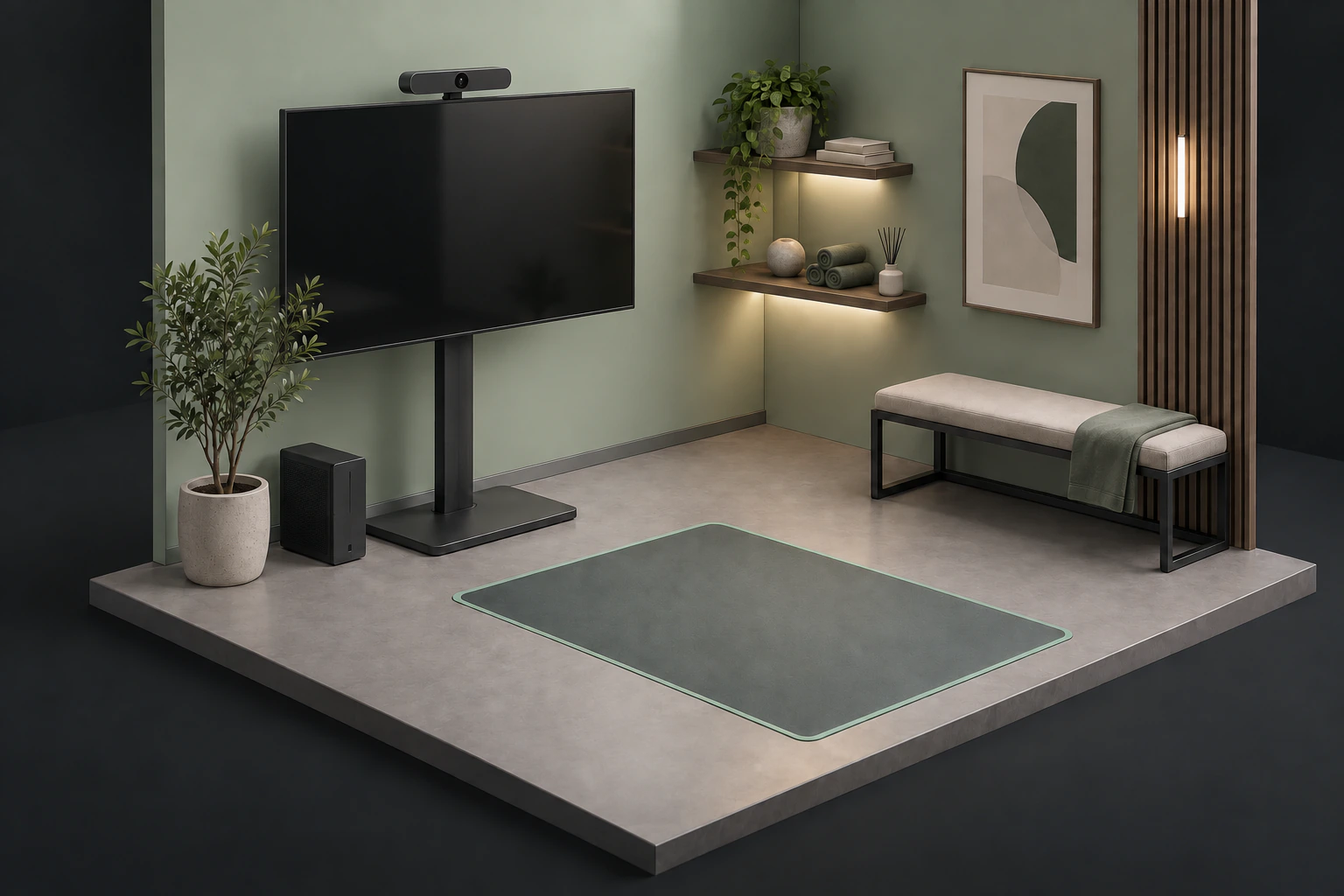
We recommend an M1 MacBook Air or a higher-specification Mac, or a Windows computer with an RTX 3050 or higher GPU, with a screen for instructions and reports.
A standard webcam can be used. A wide-angle model is recommended to reduce the required capture distance. We can recommend hardware for your team to purchase.
Keep the background simple and avoid passing traffic or obstructions. Adjust positioning to the lens, member height and venue conditions.
BEFORE YOU BRING IT INTO YOUR VENUE
We offer an API integration service. Scope and fees are discussed separately based on your system and requirements; integration with every system is not included by default.
No. Members can view their own reports on the web without a separate registration or app download.
Venues can view the complete member and assessment information within their own workspace. Members view their own web reports.
No. Crosspoint X does not recommend other venues to your members.
You can add your venue’s logo to your workspace.
Yes. Start with one coach or a single location to establish your workflow, then expand according to your team’s needs.
Images, observations and assessment history support professional explanations and follow-up assessments. Screening is not a medical diagnosis and does not guarantee training, treatment or renewal outcomes.
START AT YOUR VENUE
Complete the form to receive the full product overview, including workflows, equipment and training, or discuss a pilot with our team.